Plugin
Hotkeys for specific files
Vinzent28.9k
Add commands for specific files and open them with a hotkey.
- Overview
- Updates
- Privacy
Assign hotkeys to specific files for quick access. Set up commands in the settings and customize your shortcuts in Obsidian's hotkeys section. Open files directly in the Hover Editor if you have that plugin enabled.
Hotkeys for specific files
Plugin for Obsidian
How to use
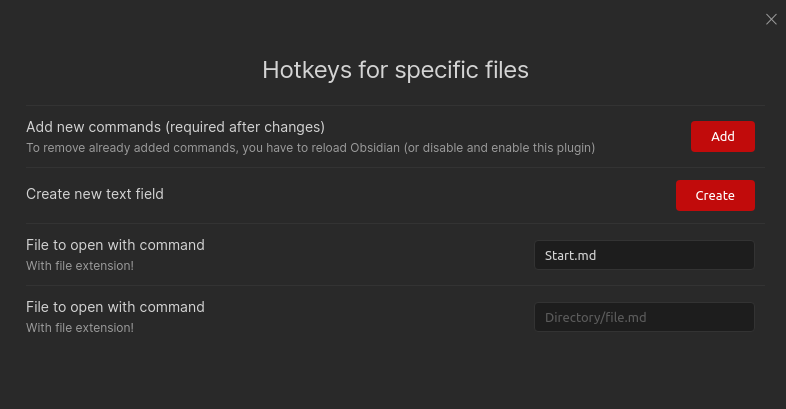
With this plugin, you can open specific files with a hotkey. You can set the files in the settings. A command will be generated for each file, then you can set your hotkey in the default hotkeys section in Obsidian.
Hover Editor Support
This plugin supports the Hover Editor plugin. If you have the Hover Editor plugin installed, you can open the file in the Hover Editor by using the provided command. Needs the setting to be enabled.
Installing
From Obsidian
- Open settings -> Community plugins
- Disable Restricted mode
- Click Browse community plugins
- Search for "Hotkeys for specific files"
- Install it
- Enable it under Installed plugins
From GitHub
- Download the latest release
- Move
manifest.jsonandmain.jsto<vault>/.obsidian/plugins/obsidian-hotkeys-for-specific-files - Reload Obsidian (Str + r)
- Go to settings and disable safe mode
- Enable
Hotkeys for specific files
If you find this plugin useful and would like to support its development, you can support me on Ko-fi.

Created
Feb 18, 2021
Last updated
Jan 29, 2024
Updates
10 releases
Downloads
28.9k