- Overview
- Updates
- Privacy
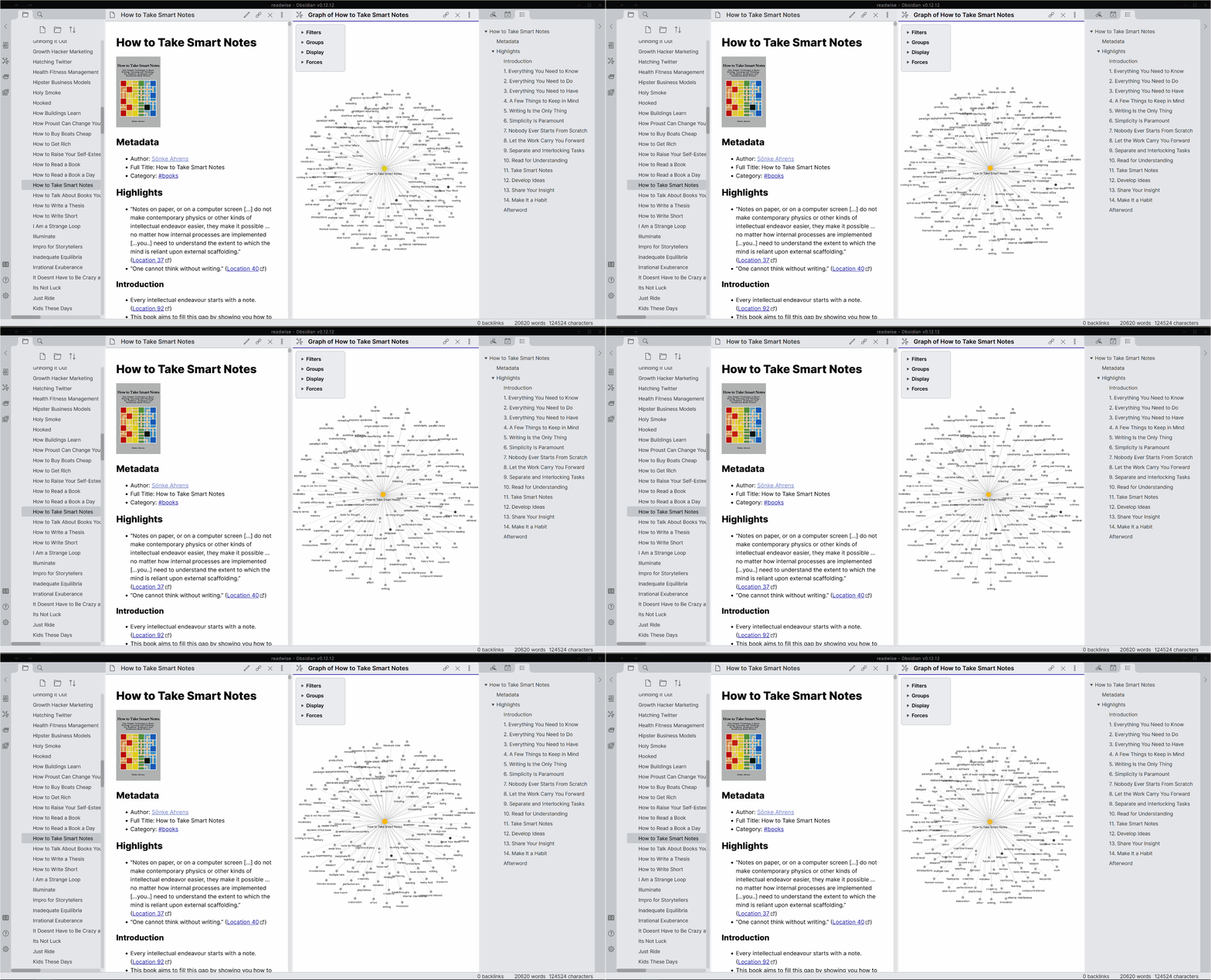
Export all your digital highlights from sources like Kindle, Apple Books, and Twitter directly to Obsidian. Enjoy continuous, automatic syncing and customize your exports with flexible templates. Enhance your highlights with enriched metadata, including cover images and author names.
Readwise Official 📚

This official plugin maintained by the Readwise team enables you to easily and automatically export all your digital highlights to Obsidian from a variety of sources such as Amazon Kindle, Apple Books, Google Play Books, Instapaper, Pocket, Medium, Twitter, PDFs, and more.
Note: This plugin requires a subscription with Readwise — a paid service that makes it easy to aggregate and review all your reading data into one place.
Features
- Continuous, automatic syncing — Take a highlight while reading in bed and wake up to the highlight in your Obsidian vault
- Powerful, flexible templating — Customize the format of the export to your bespoke preferences using the Jinja2 templating language
- Enriched metadata — Upgrade your highlight exports with extra data including the cover image, original URL, author name, chapter headings, tags (taken while you read), and more
- Premium support — As a paid product, receive prompt replies to your questions and continuous upgrades to the plugin per your feedback
Usage
- Install the Readwise Official plugin within Obsidian
- Enable the plugin
- Connect the plugin to your Readwise account
- Customize the export settings, if desired
- Initiate the first sync
- Thereafter, the plugin can be configured to sync automatically or manually
Support
- Please see our Documentation or email us at hello@readwise.io 🙂
Community Resources
- Readwise Obsidian Plugin - Is It Any Good? video by Santi Younger
- First Look at the Official Readwise Obsidian Plugin article by Ben Newton
- Getting Started with the Readwise Official Plugin video by Effective Remote Work
- Building a Second Brain with Readwise + Obsidian video by Systematic Mastery
- Making Unexpected Connections with Readwise and Obsidian video by Curtis McHale
- How I View My Latest Readwise Highlights in My Obsidian Daily Note article by Ben Newton
- Color Code Your Readwise Highlights in Obsidian with Chetachi's CSS snippets
- How to Import Your Shortform Highlights Into Obsidian Using Readwise article by Nicole van der Hoeven
Created
Mar 7, 2021
Last updated
Jan 27, 2025
Updates
17 releases
Downloads
194.2k
Compatible with
1.0.0+
License
GPL-3.0